Noryva
Take a short drama to a new market in an afternoon.
Replace burned-in Chinese subtitles with a translation, caption the spoken lines and bring each episode up to 1080p for international platforms, without re-editing anything.
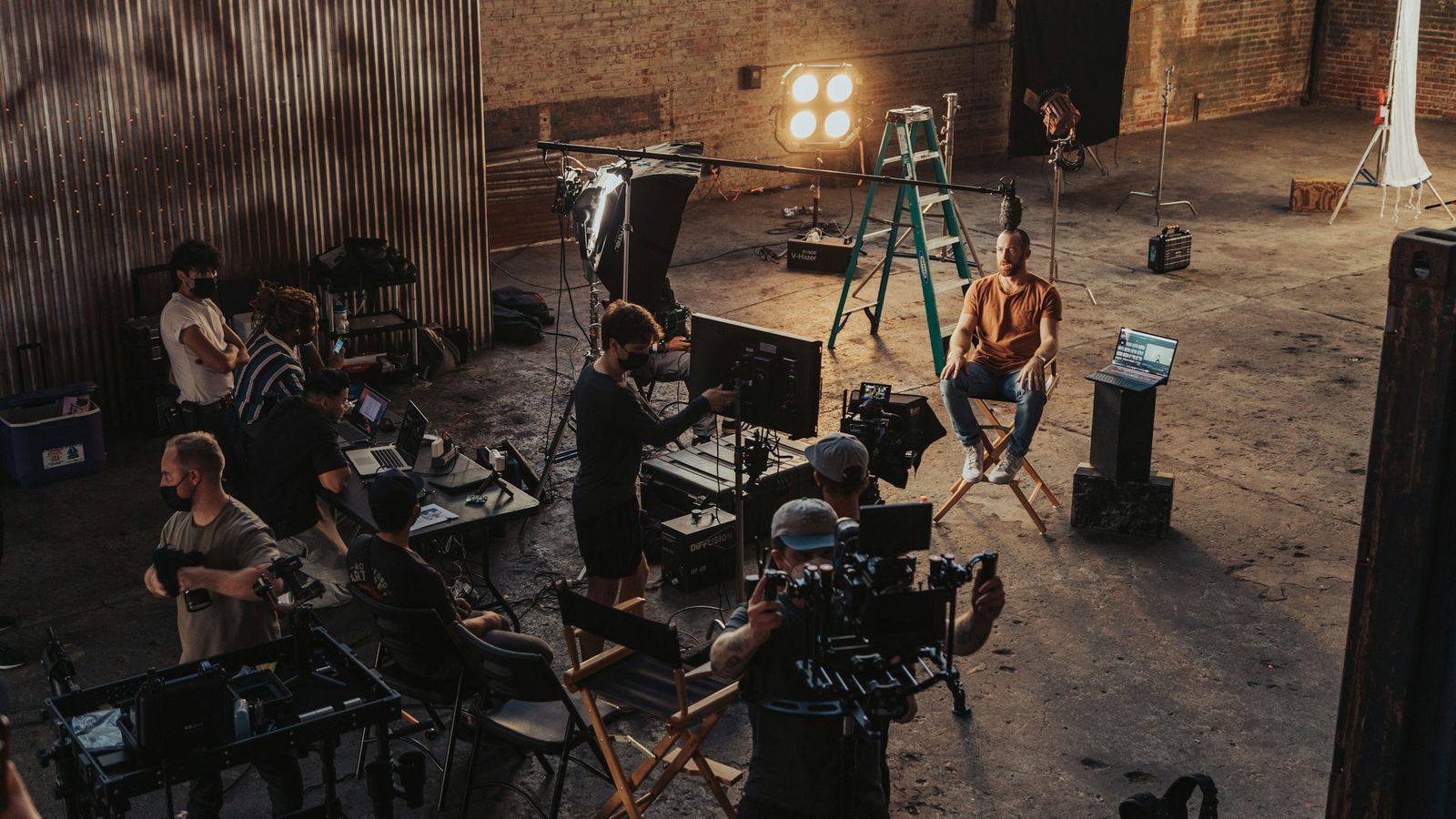
Workflow
3 tools, in this order.
Each step is one run in the studio or one API call. Prices are for a 90‑second episode, billed by the second.
-
1
Subtitle Remover
Erase the Chinese subtitles and put English (or one of 16 other languages) near the bottom of the frame.
$1.15for a 90‑second episode
Open Subtitle Remover in the studio -
2
Auto Captions
For a separate subtitle file, caption the dialogue from the audio and download the translation as SRT for your platform.
$0.09for a 90‑second episode
Open Auto Captions in the studio -
3
Video Enhancer
Sharpen soft or re-encoded footage to clean 1080p before upload.
$0.98for a 90‑second episode
Open Video Enhancer in the studio
Why Noryva
Built for this kind of work.
No re-edit
The tools work on the finished episode; your timeline stays as it is.
17 target languages
English, Spanish, Portuguese, Japanese, Korean, Arabic, Hindi and more.
Batch through the API
Send a whole season with the same model names the studio uses.
More use cases