Noryva
Low-light Fix
See what happened in the dark.
Lift underexposed phone clips, night streets and indoor events. Low-light Fix brightens shadows without washing out the picture.
From $0.032 per minute · billed by the second
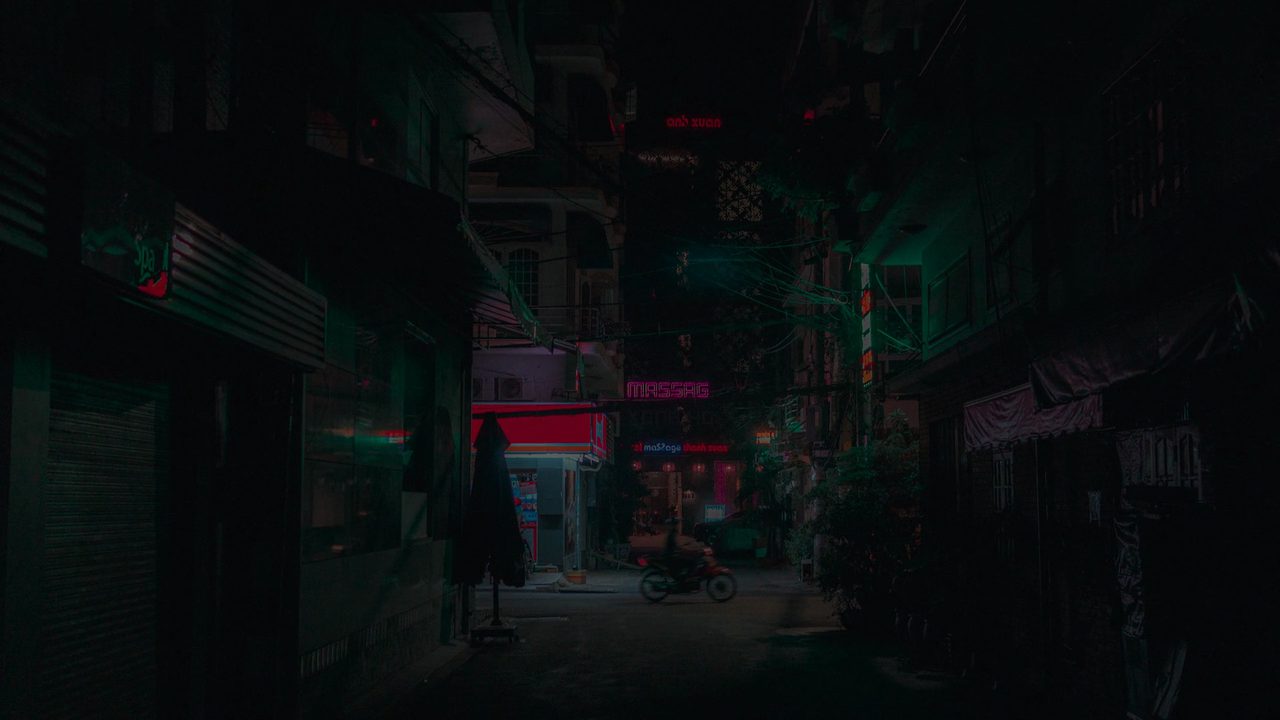
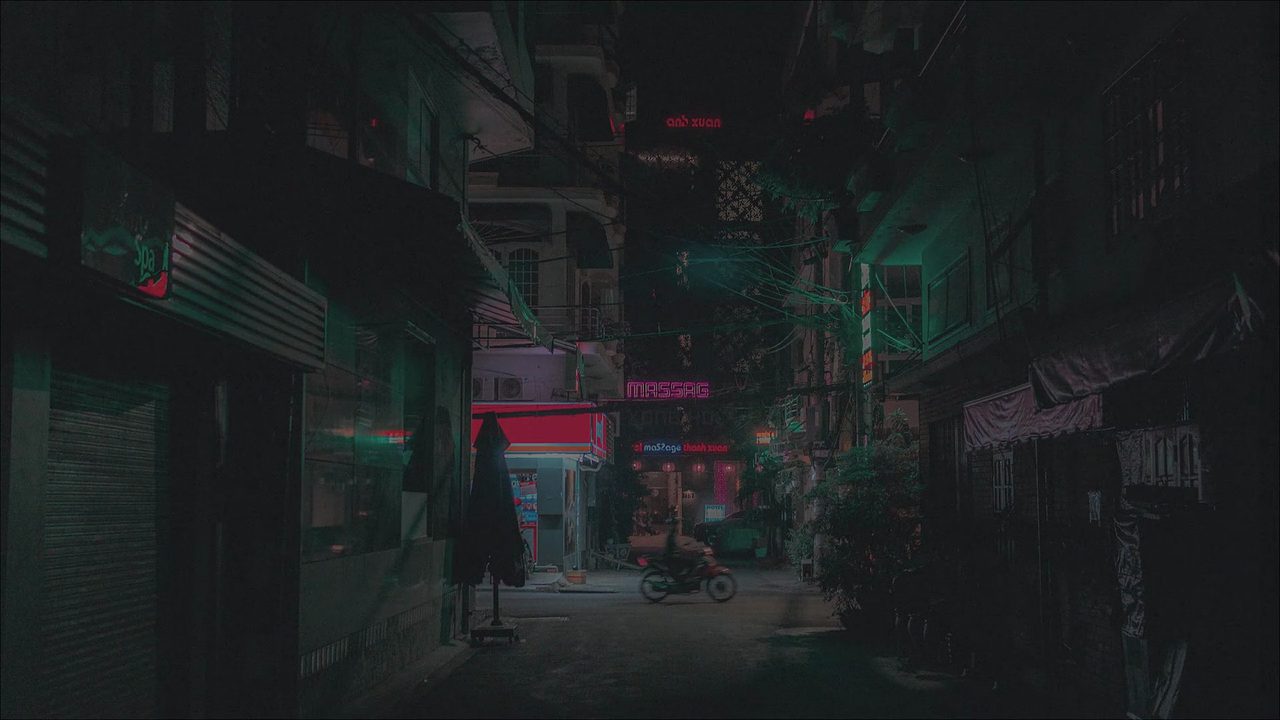 Underexposed copy
Brightened
How it works
Three steps, no software to install.
- 1
Upload a clip or paste a link.
- 2
Press Run; there is nothing to set.
- 3
Download the brighter MP4.
Use cases
Where it helps.
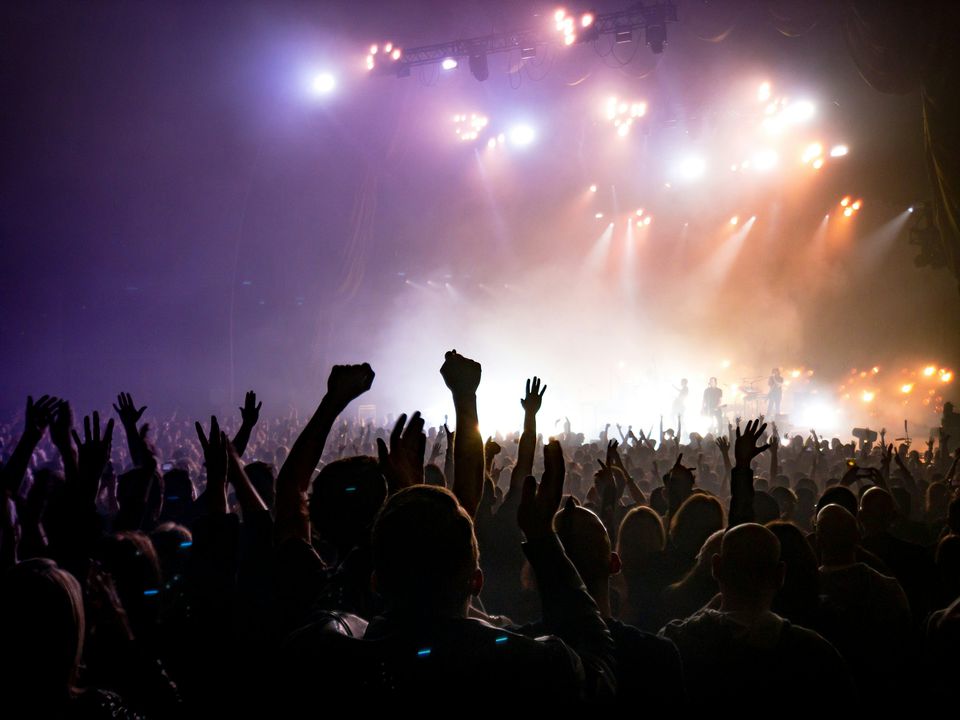
Events and concerts
Indoor footage that came out too dark.
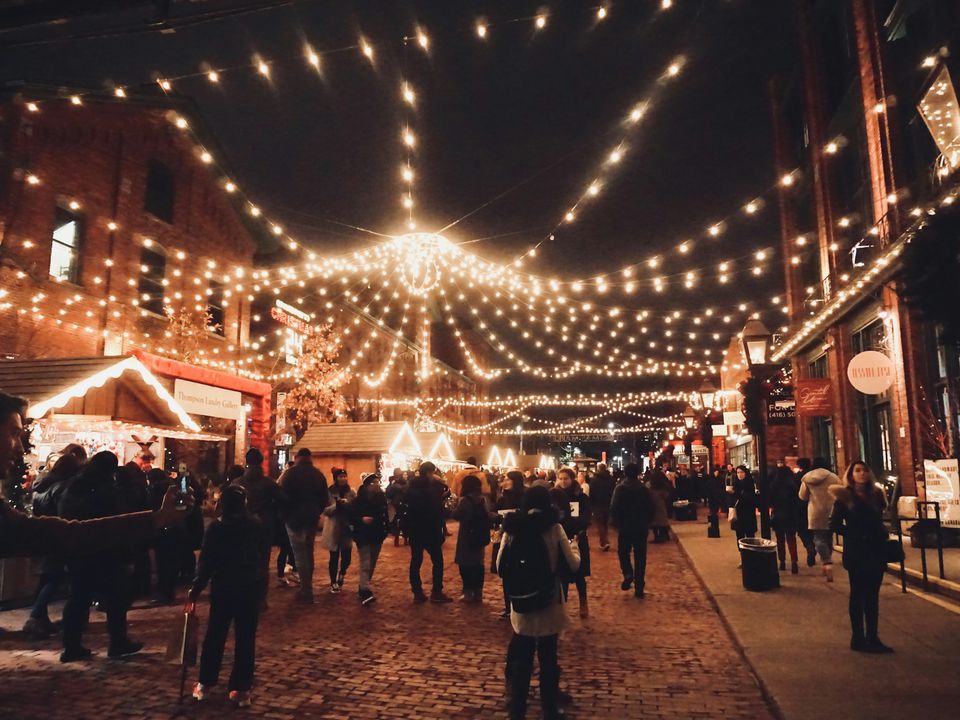
Night travel
Street scenes and city lights.
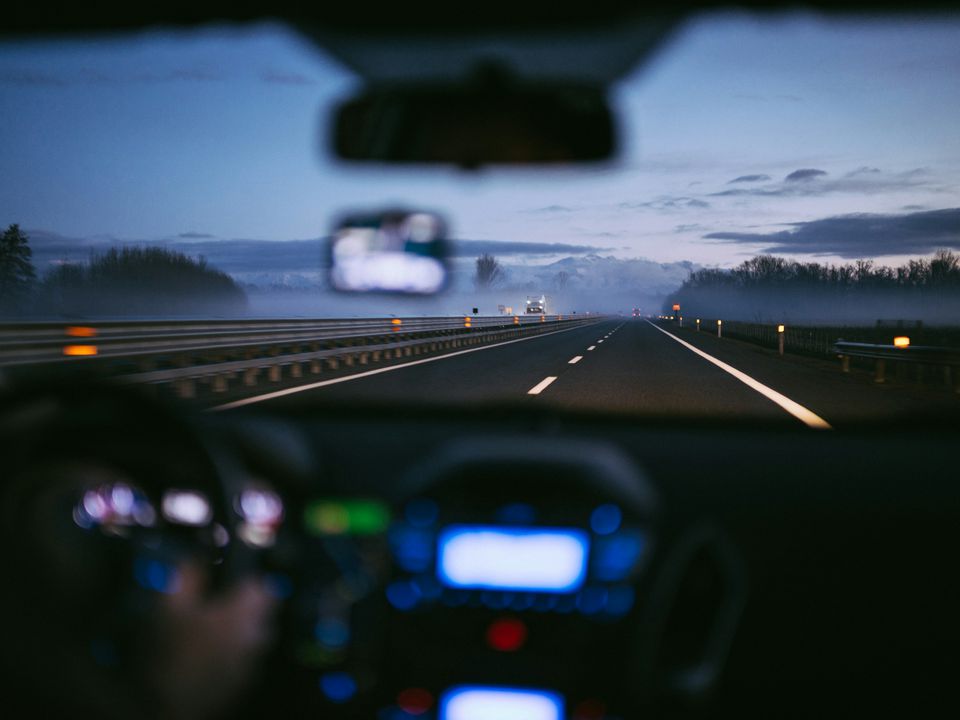
Security and dashcam
Make dim recordings easier to review.
Part of these workflows
Archives & restorationStep 2 of 3
Lift underexposed indoor and night scenes without washing them out.
$0.34 for a 5‑minute tape · See the workflow: Archives & restoration
Pricing
Pay for the seconds you process.
No subscription. Add Credits from $10 and use them on any tool or the API. Failed runs are refunded.
Your clip's resolution and frame rate set the tier; prices shown are for clips up to 30 fps.
| 720p | $0.032 / min |
|---|---|
| 1080p | $0.067 / min |
| 2K | $0.12 / min |
| 4K | $0.21 / min |
API
The same tool, as one API call.
Call video-lowlight from your own app or pipeline at the same price. The studio and the API share one balance.
curl https://noryva.ai/api/v1/videos \
  -H "Authorization: Bearer $NORYVA_API_KEY" \
  -H "Content-Type: application/json" \
  -d '{
      "model": "video-lowlight",
      "video": "https://example.com/night.mp4",
      "seconds": 9
    }'

# Poll GET /v1/videos/{id}, then download
# GET /v1/videos/{id}/content
Questions
Good to know.
Does it add noise?
It brightens while controlling noise. Very dark, grainy clips may still show grain; run Footage Restorer afterwards if needed.
Is the resolution kept?
Yes. Resolution and frame rate stay the same; the price follows your clip's resolution and frame rate.
How long can a clip be?
In the studio, up to 10 minutes and 2 GB per run; for a longer clip it processes the first 10 minutes.