Noryva
Smooth Motion
Turn choppy video into smooth 60 fps.
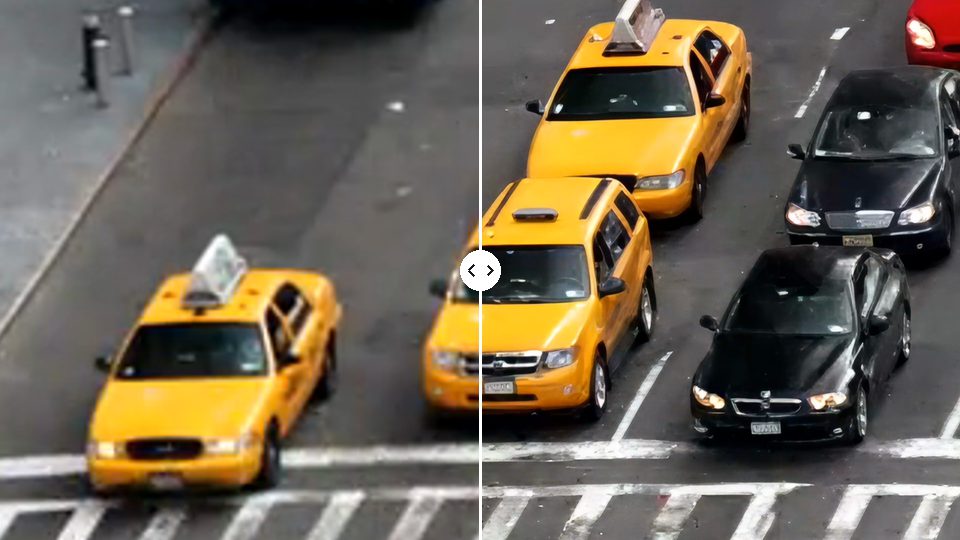
Smooth Motion creates the frames in between, so 24 fps AI clips, game captures and phone footage play fluidly at 48, 50 or 60 fps. Resolution and length stay the same.
From $0.25 per minute at 60 fps · billed by the second

How it works
Three steps, no software to install.
- 1
Upload a clip or paste a link.
- 2
Choose the frame rate.
- 3
Download the smoother MP4.
Use cases
Where it helps.

AI video
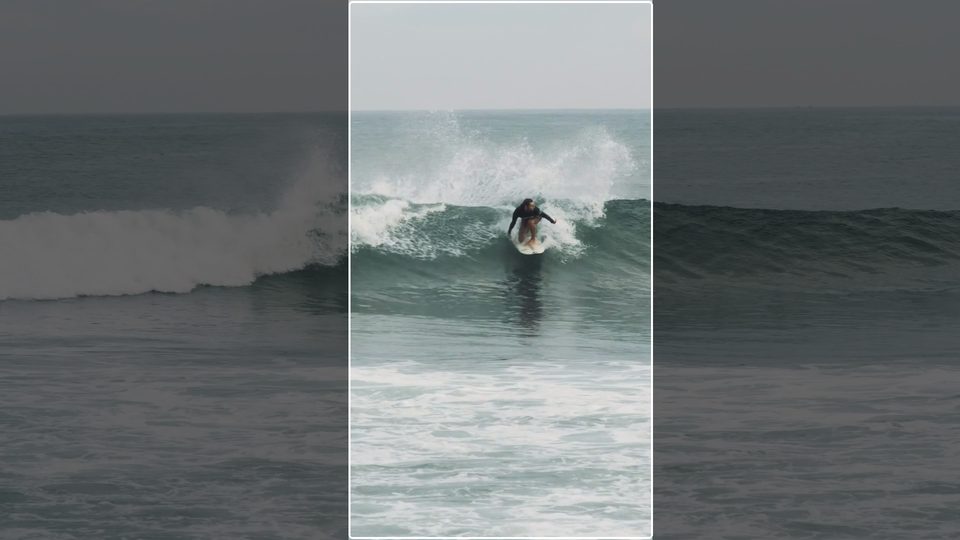
Most video models render at 24 fps. Smooth them out for social feeds.
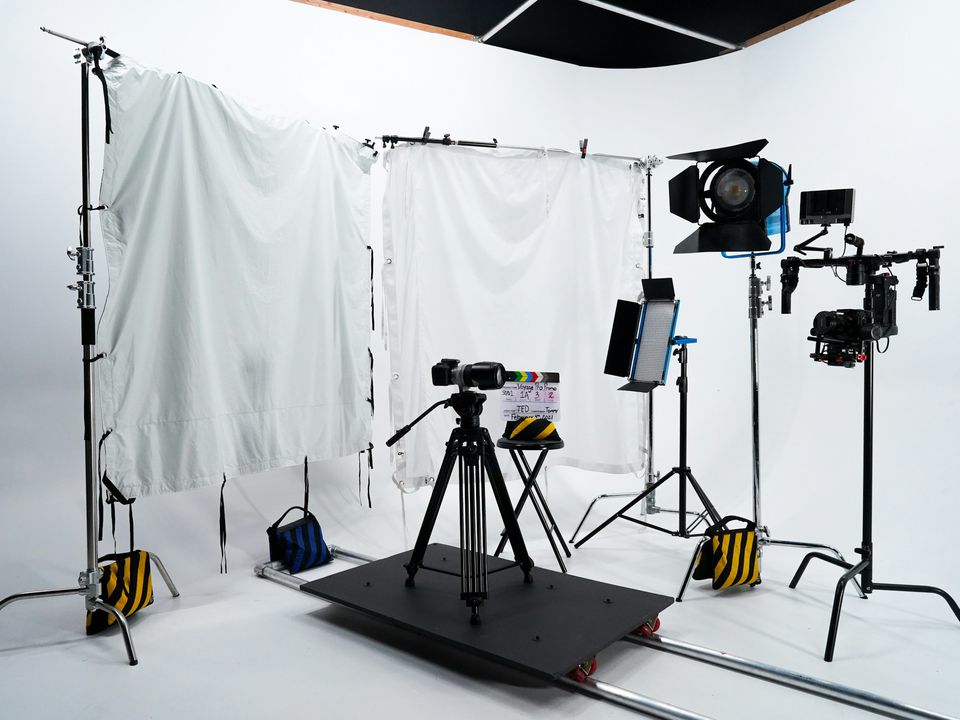
Slow pans and product shots
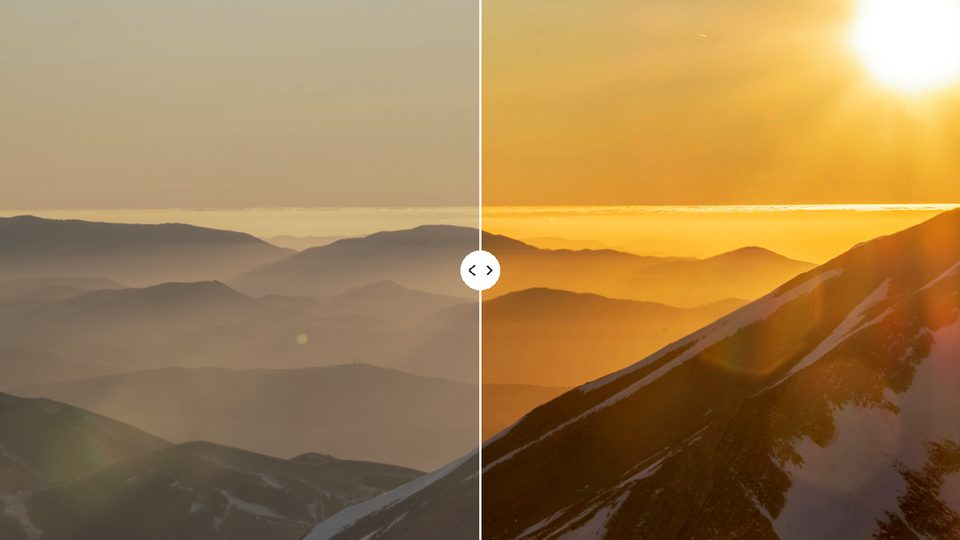
Remove judder from camera moves.

Game and screen capture
Lift 30 fps recordings to 60 fps.
Part of these workflows
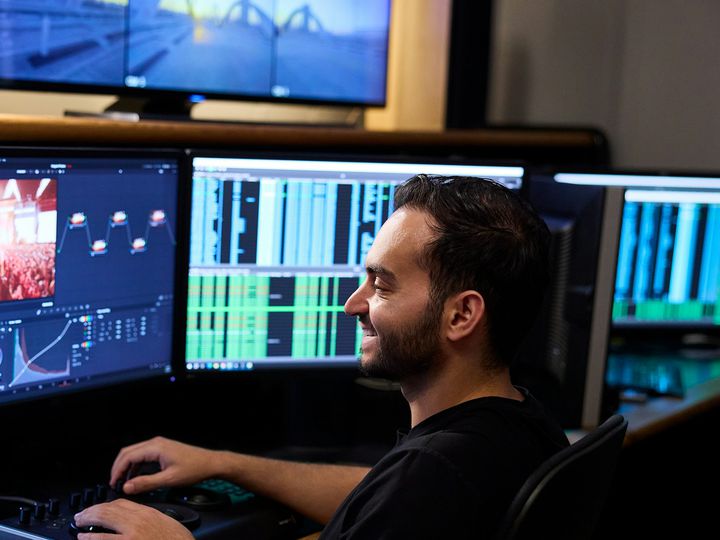
AI video creatorsStep 2 of 3
Add in-between frames so 24 fps output plays smoothly at 60 fps.
$0.36 for a 10‑second clip · See the workflow: AI video creators
Settings
What you can choose.
- Frame rate
- 60 fps for screens and social, 48 fps to double 24 fps film, 50 fps for PAL, 30 fps for 24/25 fps sources. A clip that already has the frame rate is only re-encoded.
Pricing
Pay for the seconds you process.
No subscription. Add Credits from $10 and use them on any tool or the API. Failed runs are refunded.
Prices are for 48–60 fps output. Your clip's resolution sets the tier.
| 720p | $0.25 / min |
|---|---|
| 1080p | $0.55 / min |
| 2K | $0.97 / min |
| 4K | $2.15 / min |
API
The same tool, as one API call.
Call video-interpolate from your own app or pipeline at the same price. The studio and the API share one balance.
curl https://noryva.ai/api/v1/videos \
  -H "Authorization: Bearer $NORYVA_API_KEY" \
  -H "Content-Type: application/json" \
  -d '{
      "model": "video-interpolate",
      "video": "https://example.com/clip.mp4",
      "seconds": 8,
      "fps": "60"
    }'

# Poll GET /v1/videos/{id}, then download
# GET /v1/videos/{id}/content
Questions
Good to know.
Does it slow the video down?
No. The length stays the same; the extra frames make motion smoother.
Is the resolution kept?
Yes. The price follows your clip's resolution.
Any limits?
Very fast motion and hard cuts can show artefacts, as with any interpolation.
How long can a clip be?
In the studio, up to 10 minutes and 2 GB per run; for a longer clip it processes the first 10 minutes.