Noryva
Voice Cleanup
Just the voice. No hum, no wind, no café.
Voice Cleanup keeps the speech and removes what is behind it: background noise, hum, wind and music. It also evens out the loudness and softens clicks and harsh “s” sounds. Your picture stays untouched.
From $0.061 per minute · billed by the second
How it works
Three steps, no software to install.
- 1
Upload a video or audio file, or paste a link.
- 2
Keep the video or get the audio only.
- 3
Download the cleaned file.
Use cases
Where it helps.
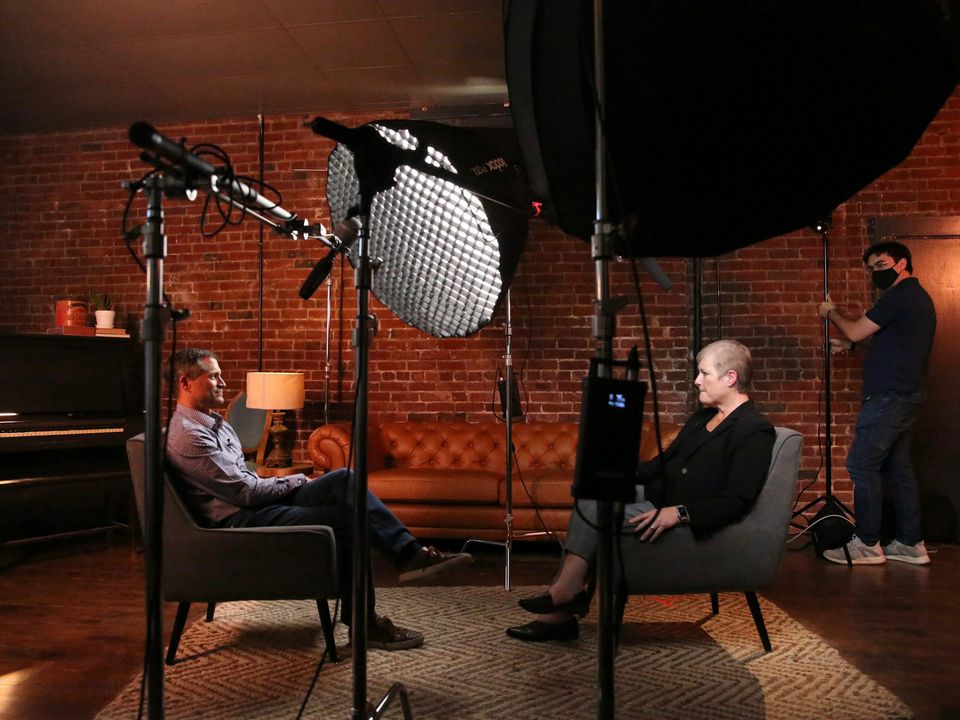
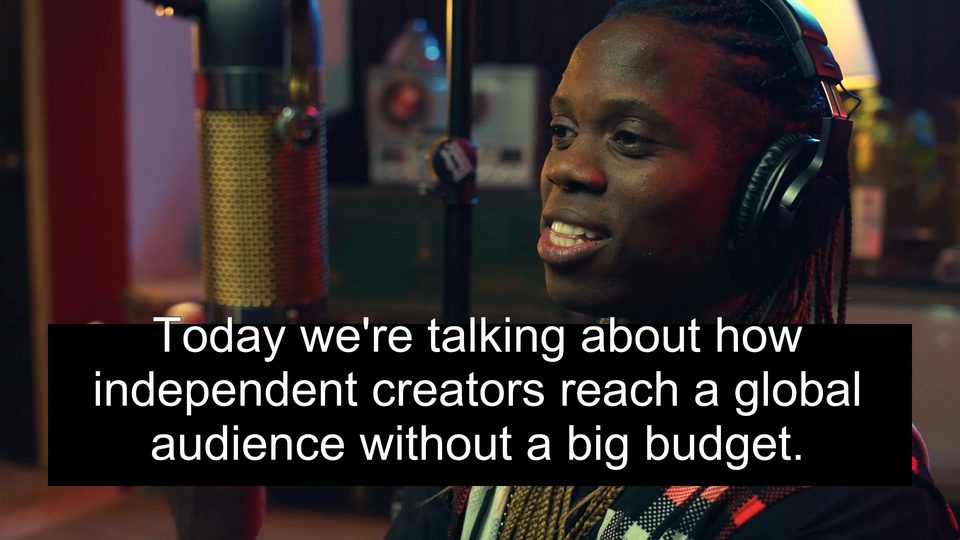
Interviews and podcasts
Recordings made in noisy rooms or outdoors.
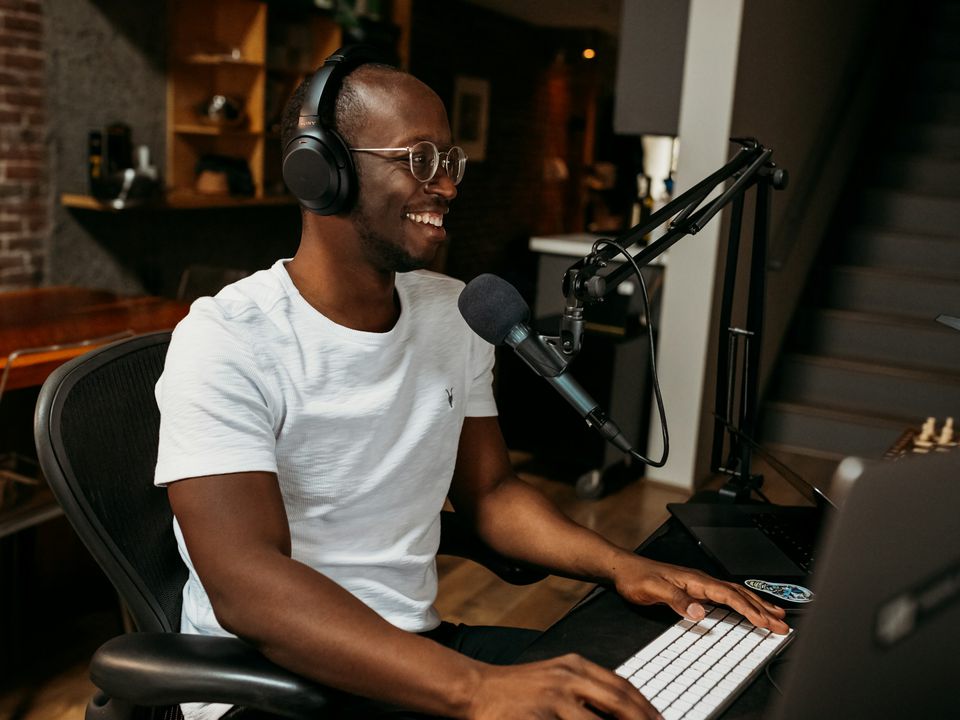
Vlogs and tutorials
Speech that competes with traffic, wind or music.
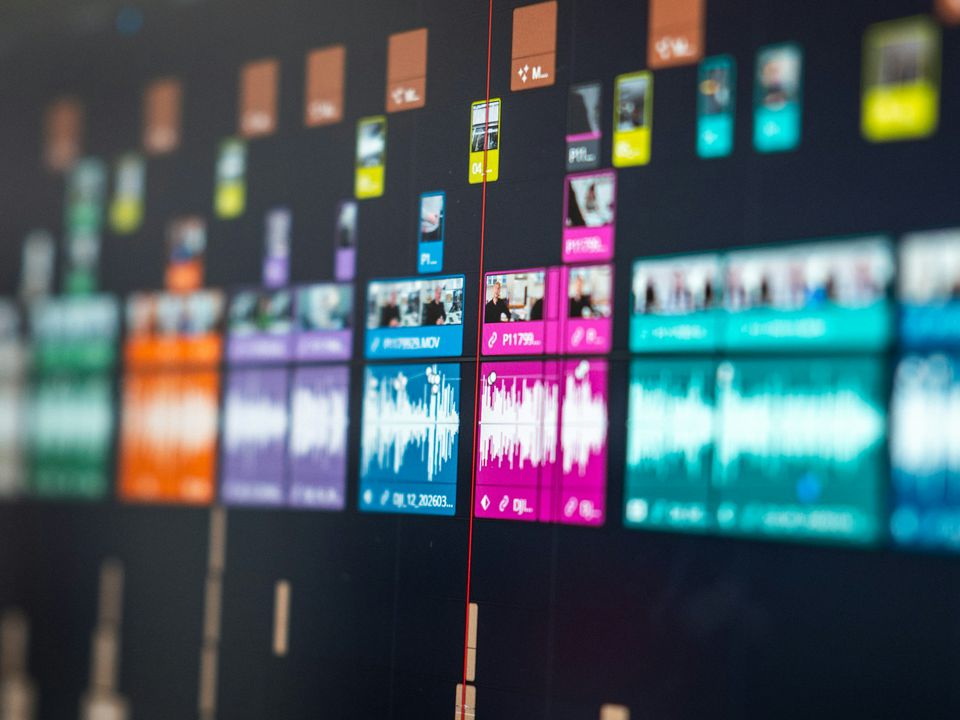
Before captioning
Cleaner speech gives more accurate captions.
Part of these workflows
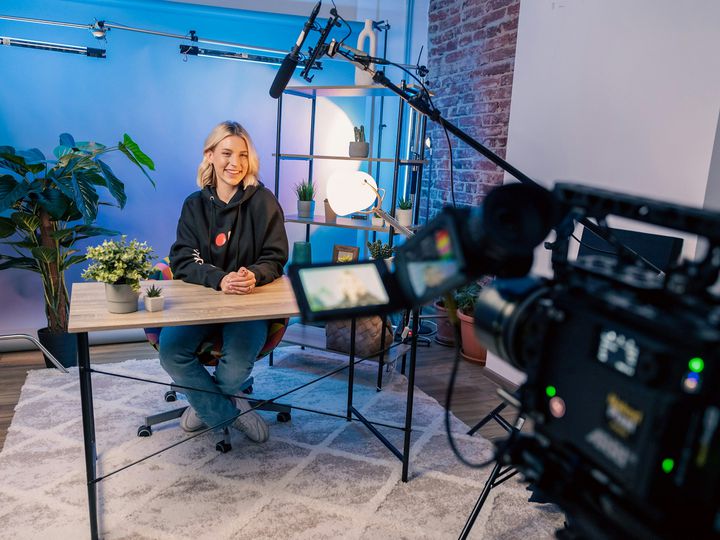
Podcasts & YouTubeStep 1 of 3
Remove room noise, hum and music under the voice and even out the loudness.
$0.87 for a 10‑minute episode · See the workflow: Podcasts & YouTube
Settings
What you can choose.
- Output
- The video with clean sound (MP4), or the audio only (M4A). Audio files always come back as audio.
Pricing
Pay for the seconds you process.
No subscription. Add Credits from $10 and use them on any tool or the API. Failed runs are refunded.
Videos are re-encoded at their own resolution.
| Audio only | $0.061 / min |
|---|---|
| Video, 720p | $0.071 / min |
| Video, 1080p | $0.087 / min |
| Video, 2K | $0.10 / min |
| Video, 4K | $0.12 / min |
API
The same tool, as one API call.
Call audio-cleanup from your own app or pipeline at the same price. The studio and the API share one balance.
curl https://noryva.ai/api/v1/videos \
  -H "Authorization: Bearer $NORYVA_API_KEY" \
  -H "Content-Type: application/json" \
  -d '{
      "model": "audio-cleanup",
      "video": "https://example.com/interview.mp4",
      "seconds": 300,
      "format": "mp4"
    }'

# Poll GET /v1/videos/{id}, then download
# GET /v1/videos/{id}/content
Questions
Good to know.
Does it remove music too?
Yes. It keeps the voice and removes everything else. To keep the music and drop the voice instead, use Vocal Splitter.
How much does it remove?
In our test, noise at −25 dB dropped to −61 dB while the speech stayed clear.
Is the video re-encoded?
Yes, at its own resolution and frame rate; the picture is not changed otherwise.
How long can a clip be?
In the studio, up to 10 minutes and 2 GB per run; for a longer clip it processes the first 10 minutes.