Noryva
Generate the clip, then finish it properly.
Many video models stop at 720p or 1080p and 24 fps. Generate with Kling, Veo, Hailuo or Seedance on the same key, then upscale to 4K, smooth the motion to 60 fps and add HDR.
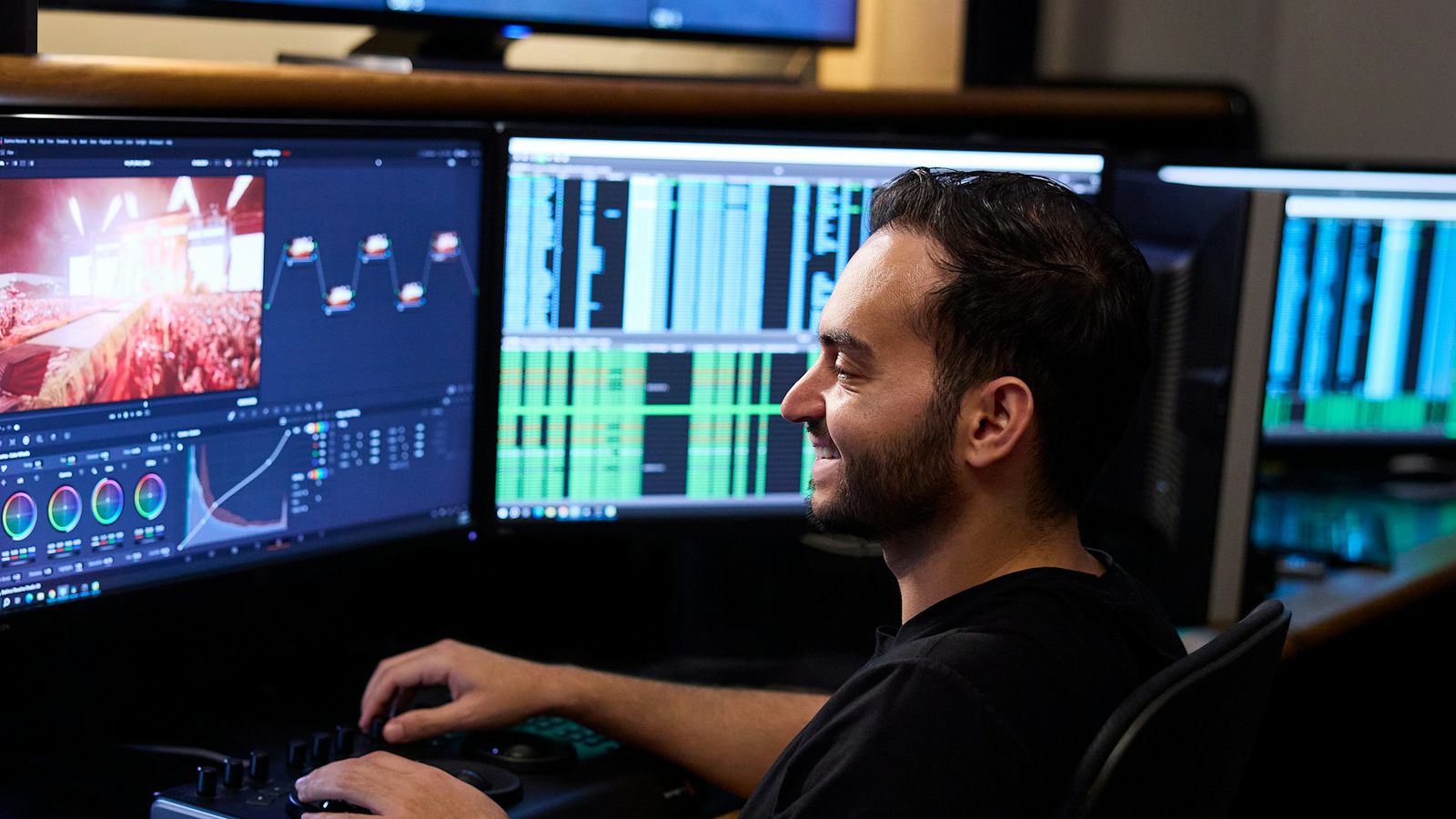
Workflow
3 tools, in this order.
Each step is one run in the studio or one API call. Prices are for a 10‑second clip, billed by the second.
-
1
Video Enhancer
Upscale the generated clip to 4K with the AI-video-friendly enhancer.
$0.40for a 10‑second clip
Open Video Enhancer in the studio -
2
Smooth Motion
Add in-between frames so 24 fps output plays smoothly at 60 fps.
$0.36for a 10‑second clip
Open Smooth Motion in the studio -
3
SDR to HDR
Convert to HDR10 for brighter highlights on HDR screens.
$0.06for a 10‑second clip
Open SDR to HDR in the studio
Generate the clip first with Kling, Veo, Hailuo or Seedance on the same API key: video models and prices.
Why Noryva
Built for this kind of work.
One key for generation and finishing
Video models and tools share one balance and one API.
Made for generated footage
The enhancer has modes for realistic and animated AI video.
Pay per clip, not per seat
No subscription; every run is priced up front.