Noryva
Vertical Reframe
Landscape in, vertical out.
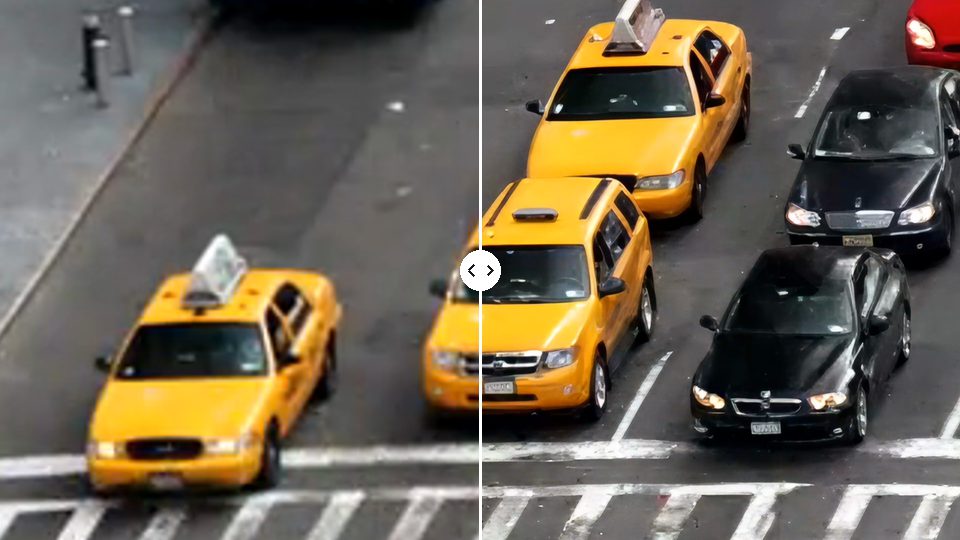
Vertical Reframe follows the subject as it moves, so a 16:9 video becomes a 9:16 clip for TikTok, Reels and Shorts without manual keyframing. Choose 4:5 or square for feeds.
$0.055 per minute · billed by the second


How it works
Three steps, no software to install.
- 1
Upload a landscape clip or paste a link.
- 2
Pick the shape and how to frame it.
- 3
Download the vertical MP4.
Use cases
Where it helps.

Podcasts and interviews
Make vertical versions of landscape recordings and trimmed highlights.
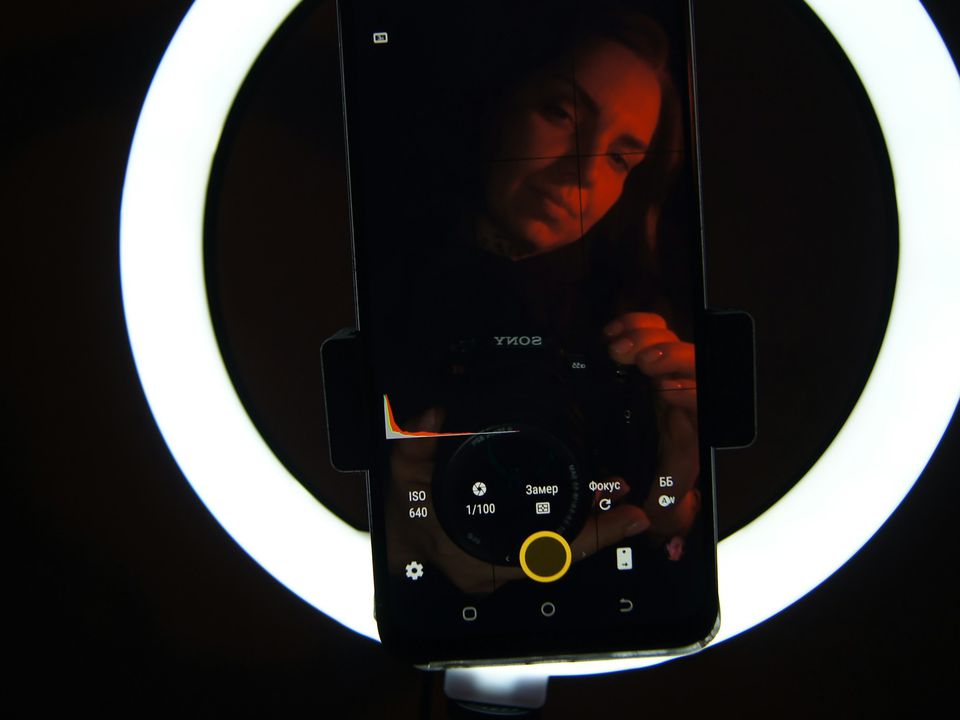
YouTube to Shorts
Repurpose long videos for vertical feeds.

Sports and events
Keep the action in frame as it moves.
Part of these workflows
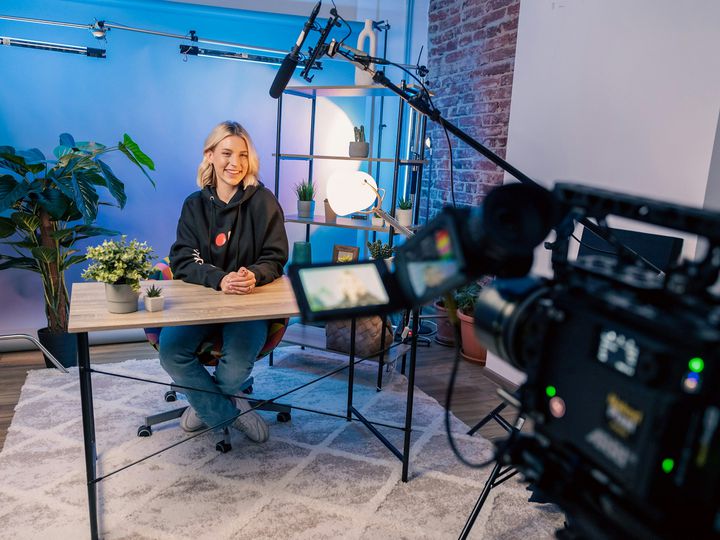
Podcasts & YouTubeStep 3 of 3
Reframe the episode to 9:16 with the speaker kept in frame; trim it first if you only want a Short.
$0.55 for a 10‑minute episode · See the workflow: Podcasts & YouTube
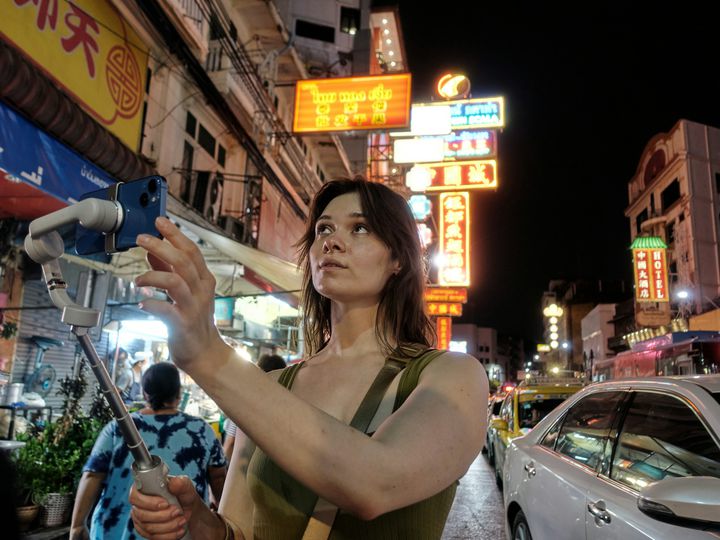
Social & marketingStep 1 of 3
Make a 9:16, 4:5 or 1:1 version; the crop follows the subject.
$0.03 for a 30‑second ad · See the workflow: Social & marketing
Settings
What you can choose.
- Shape
- 9:16 for TikTok, Reels and Shorts; 4:5 for the Instagram feed; 3:4 for feeds and tablets; or 1:1 for square posts.
- Framing
- Follow the action, keep faces centred (two speakers split top and bottom), or fit the whole frame on a blurred background.
Pricing
Pay for the seconds you process.
No subscription. Add Credits from $10 and use them on any tool or the API. Failed runs are refunded.
| Any shape or resolution | $0.055 / min |
|---|
API
The same tool, as one API call.
Call video-reframe from your own app or pipeline at the same price. The studio and the API share one balance.
curl https://noryva.ai/api/v1/videos \
  -H "Authorization: Bearer $NORYVA_API_KEY" \
  -H "Content-Type: application/json" \
  -d '{
      "model": "video-reframe",
      "video": "https://example.com/interview.mp4",
      "seconds": 120,
      "aspect_ratio": "9:16",
      "mode": "auto"
    }'

# Poll GET /v1/videos/{id}, then download
# GET /v1/videos/{id}/content
Questions
Good to know.
Can I reframe a vertical video?
No. Vertical Reframe crops landscape footage into vertical or square shapes. A clip that is already vertical comes back unchanged, so the studio stops it before you pay. Phone videos filmed upright count as vertical.
What resolution do I get?
The vertical frame keeps your clip's height; a 1280×720 clip becomes 404×720. Run Video Enhancer afterwards for 1080×1920.
Does it cut the video into clips?
No. The whole video is reframed; trim it first if you only need part.
Is anything lost?
Cropping removes the sides. Choose “Fit everything” to keep the whole frame on a blurred background.
How long can a clip be?
In the studio, up to 10 minutes and 2 GB per run. The whole clip is processed, so trim longer videos first.