Noryva
Auto Captions
Captions in minutes, in 30+ languages.
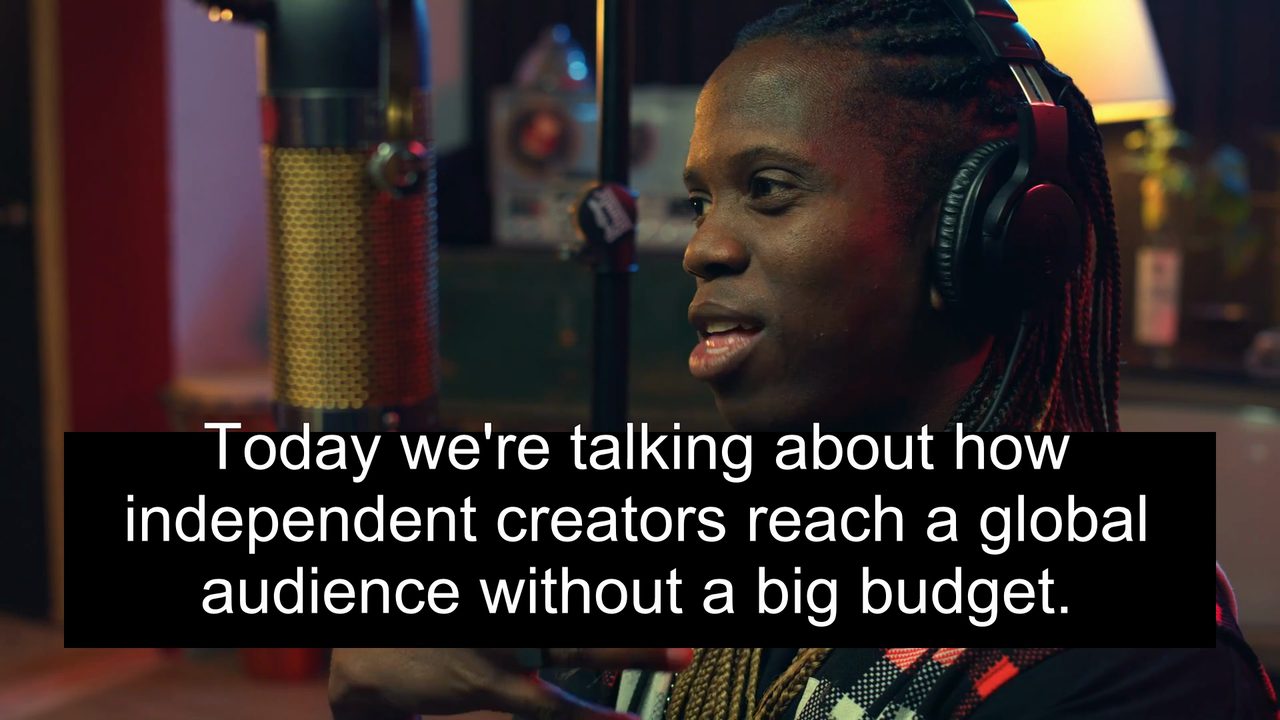
Auto Captions listens to your video and writes timed captions. Download an SRT or WebVTT file, translate it into another language, show both languages, or burn the captions into the picture.
$0.006 per minute for a caption file · billed by the second
How it works
Three steps, no software to install.
- 1
Upload a video or paste a link.
- 2
Choose the spoken language, a translation and the output.
- 3
Download the SRT or the captioned MP4.
Use cases
Where it helps.

Social video
Most feeds play muted. Burned-in captions keep viewers watching.

YouTube and courses
Upload SRT files for every language you want to reach.

Accessibility
Captions for viewers who are deaf or hard of hearing.
Part of these workflows
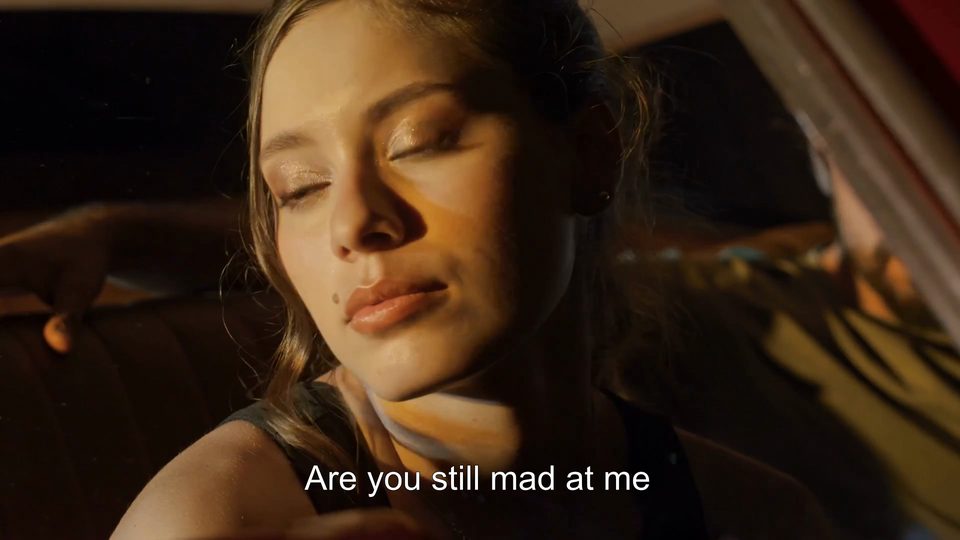
Short dramas & localisationStep 2 of 3
For a separate subtitle file, caption the dialogue from the audio and download the translation as SRT for your platform.
$0.09 for a 90‑second episode · See the workflow: Short dramas & localisation
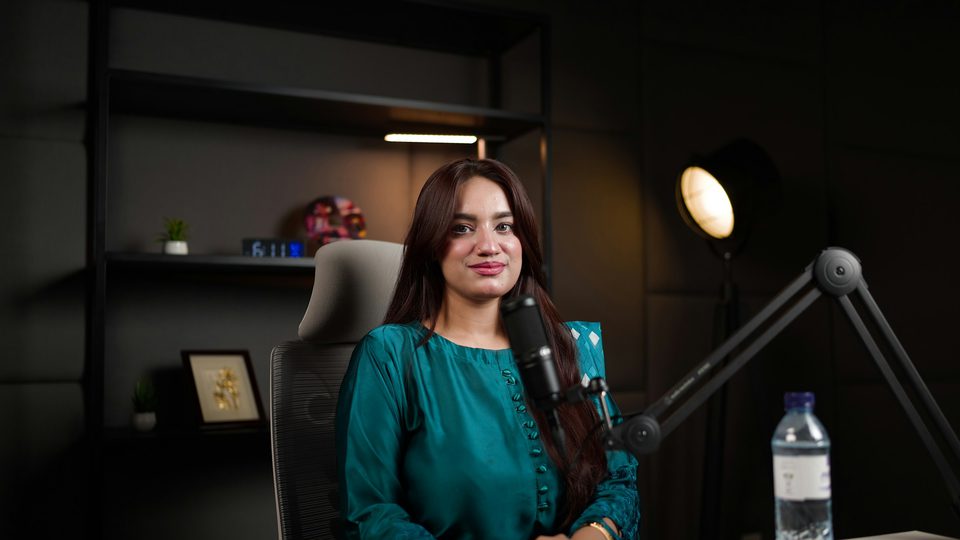
Podcasts & YouTubeStep 2 of 3
Get an SRT in the spoken language for YouTube; each translated file is one more run.
$0.06 for a 10‑minute episode · See the workflow: Podcasts & YouTube
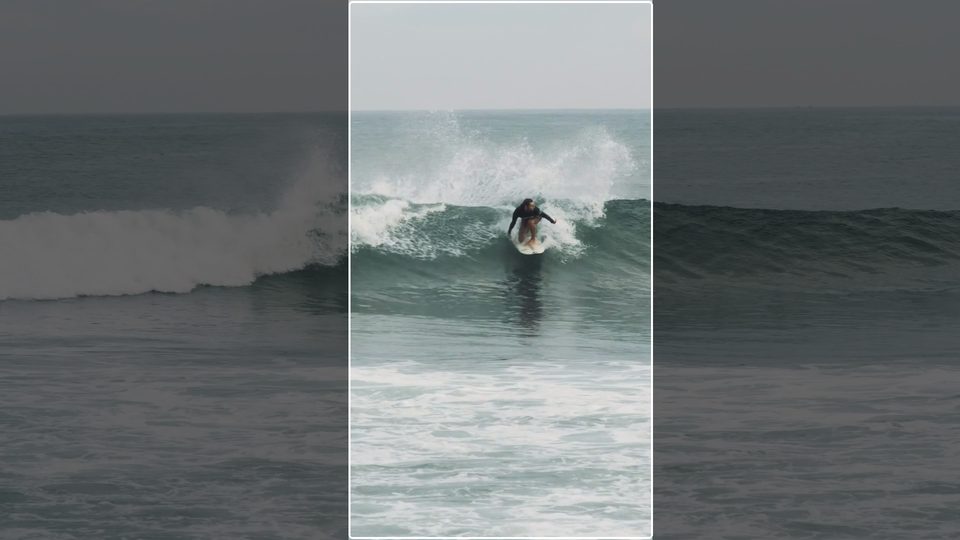
Social & marketingStep 2 of 3
Burn in large, high-contrast captions in the ad's spoken language for muted autoplay.
$0.02 for a 30‑second ad · See the workflow: Social & marketing
Settings
What you can choose.
- Spoken language
- Detect automatically, or choose from 35 languages and dialects.
- Translate to
- Keep the original language, or translate into one of 36 languages.
- Show both languages
- The original line with the translation below it.
- Burn captions into the video
- Get a video with captions on screen, in one of four styles, instead of a file.
- Caption file
- SRT for editors and YouTube; WebVTT for web players.
Pricing
Pay for the seconds you process.
No subscription. Add Credits from $10 and use them on any tool or the API. Failed runs are refunded.
Burned-in captions are priced by your clip's resolution.
| Caption file | $0.006 / min |
|---|---|
| Translated file | $0.058 / min |
| Burned in, 1080p | $0.035 / min |
| Burned in, 4K | $0.065 / min |
| Translated and burned in, 1080p | $0.087 / min |
API
The same tool, as one API call.
Call video-captions from your own app or pipeline at the same price. The studio and the API share one balance.
curl https://noryva.ai/api/v1/videos \
  -H "Authorization: Bearer $NORYVA_API_KEY" \
  -H "Content-Type: application/json" \
  -d '{
      "model": "video-captions",
      "video": "https://example.com/talk.mp4",
      "seconds": 60,
      "language": "en",
      "translate_to": "es",
      "format": "srt"
    }'

# Poll GET /v1/videos/{id}, then download
# GET /v1/videos/{id}/content
Questions
Good to know.
How accurate is it?
Clear speech transcribes very accurately. People's names and brand names can be misheard; edit the SRT if you need them exact.
Can I upload just audio?
Through the API, yes: MP3, M4A, WAV and FLAC work for caption files. The studio takes video files (MP4, MOV, WebM or MKV).
How is it priced?
By the length of your clip. A caption file is the cheapest output; translation and burning in cost more.
How long can a clip be?
In the studio, up to 10 minutes and 2 GB per run. The whole clip is processed, so trim longer videos first.