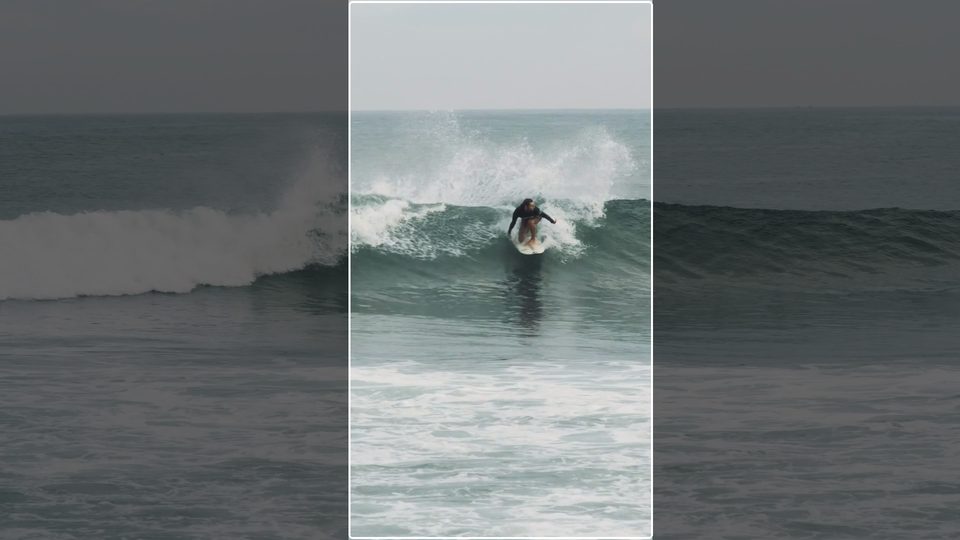
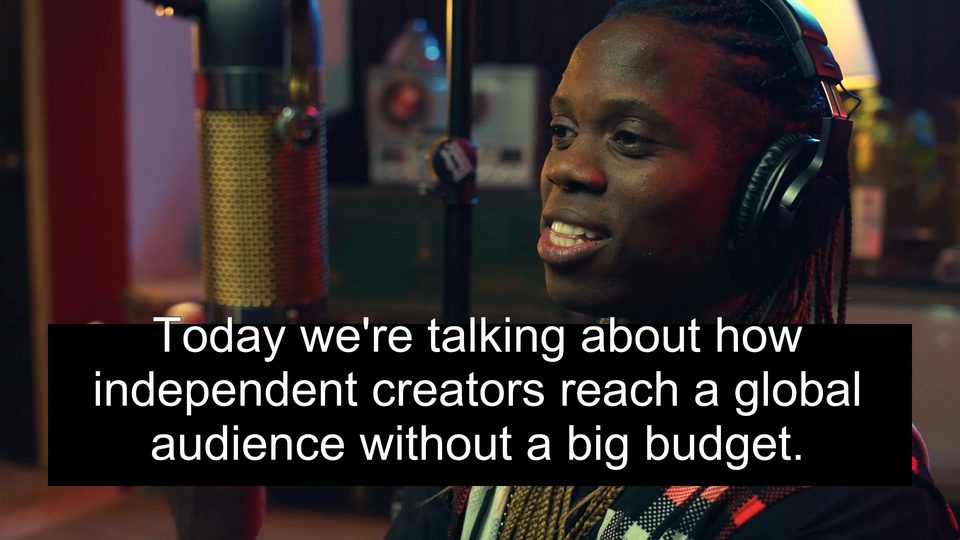
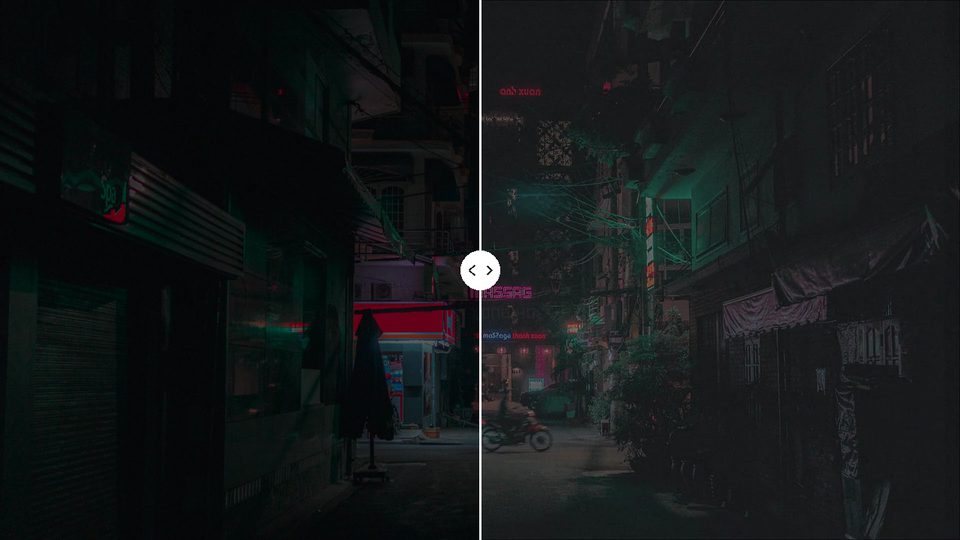
Noryva
Face & Plate Blur
Blur every face and plate, automatically.
Face & Plate Blur finds faces and licence plates in every frame and hides them with a soft blur or a mosaic. No tracking boxes to draw by hand.
From $0.19 per minute · billed by the second
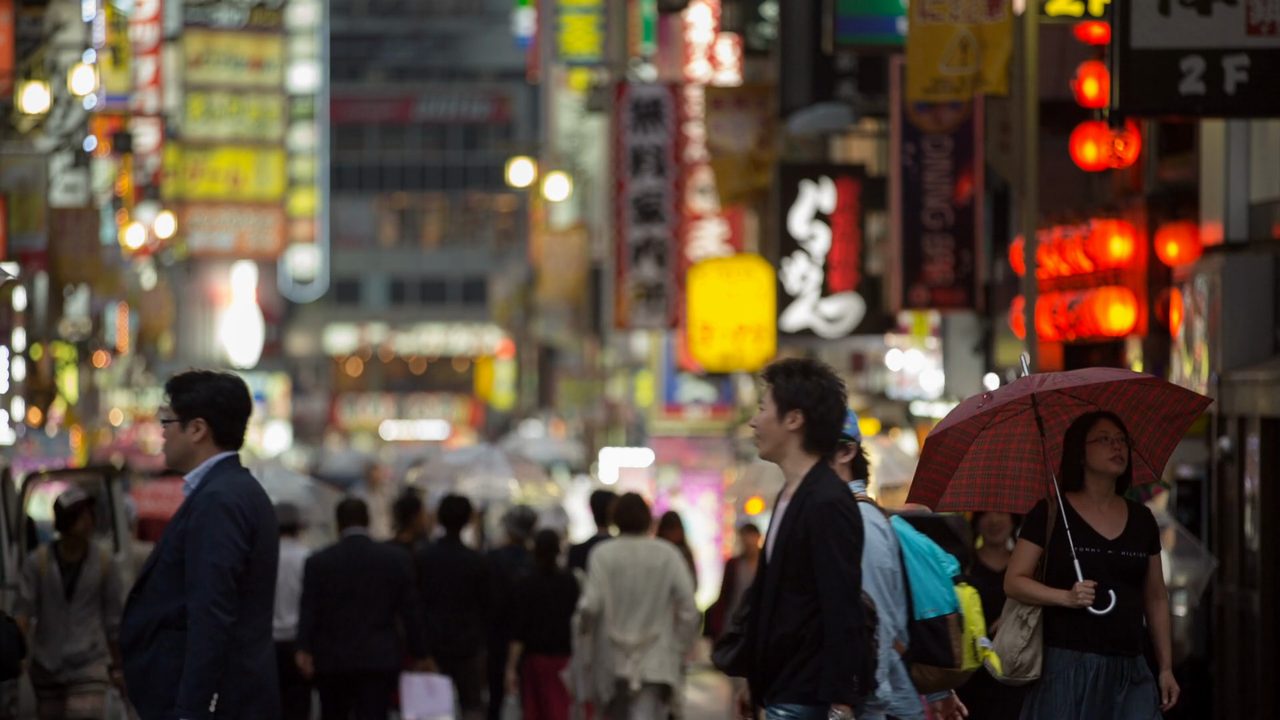
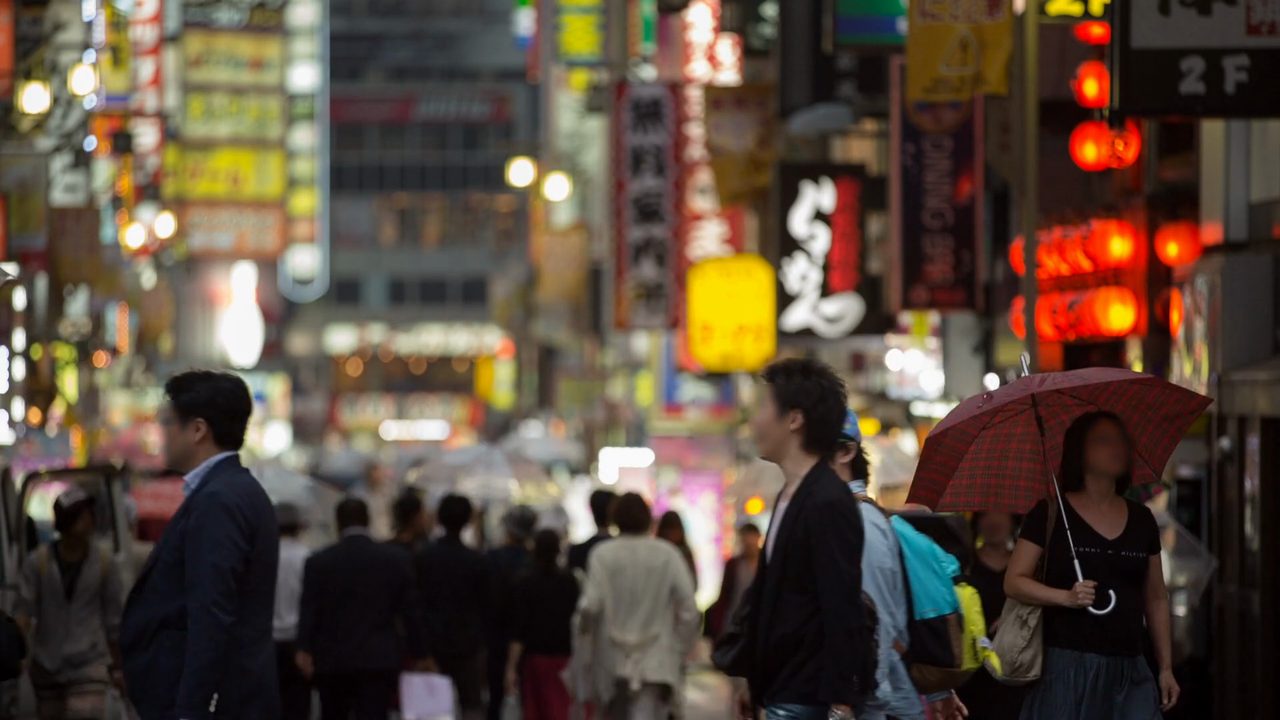 Original
Faces blurred
How it works
Three steps, no software to install.
- 1
Upload the video or paste a link.
- 2
Choose what to hide and the effect.
- 3
Download the MP4 with faces and plates hidden.
Use cases
Where it helps.
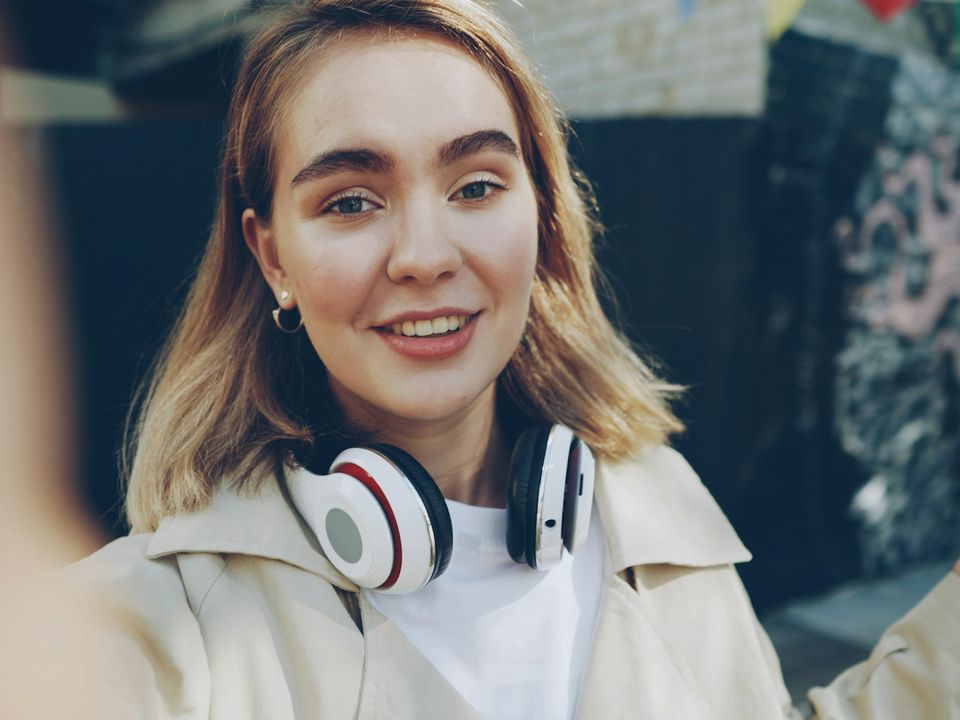
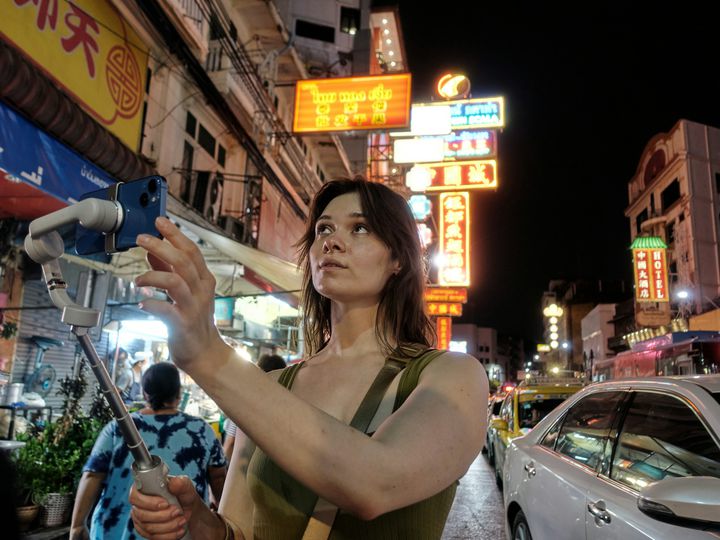
Street and travel vlogs
Publish without exposing passers-by.
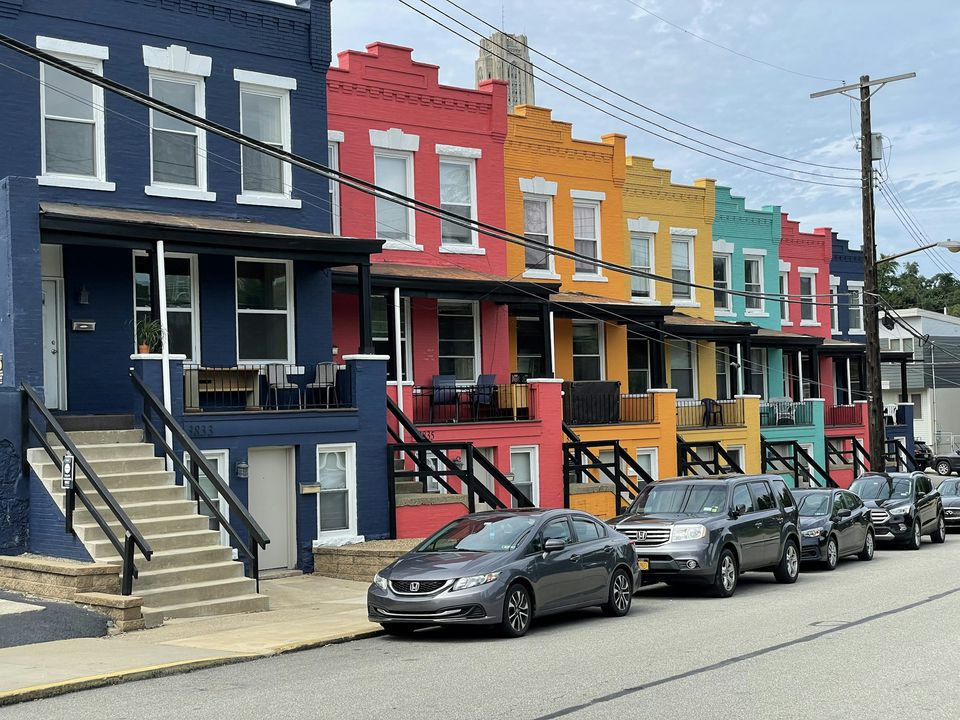
Dashcam and real estate
Hide plates and people before sharing.
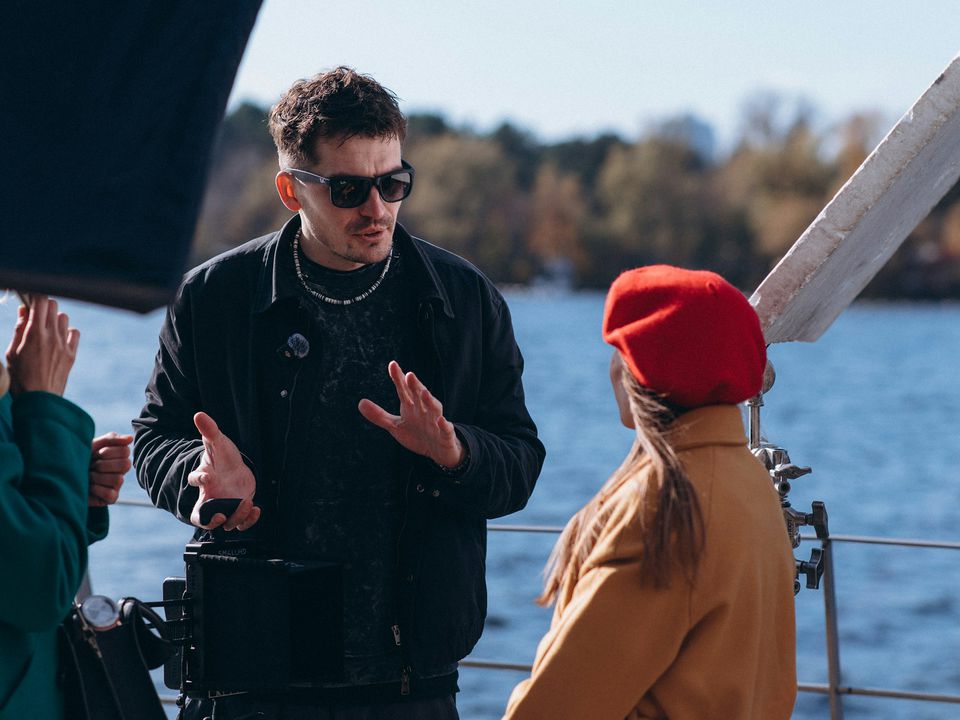
Research and journalism
Protect identities in field footage.
Part of these workflows
Social & marketingStep 3 of 3
Blur bystanders' faces and licence plates in street and event footage.
$0.19 for a 30‑second ad · See the workflow: Social & marketing
Settings
What you can choose.
- Hide
- Faces and plates, faces only, or licence plates only.
- Effect
- A soft blur, or pixelated mosaic blocks.
Pricing
Pay for the seconds you process.
No subscription. Add Credits from $10 and use them on any tool or the API. Failed runs are refunded.
Your clip's resolution sets the tier.
| 720p | $0.19 / min |
|---|---|
| 1080p | $0.39 / min |
| 2K and 4K | $0.77 / min |
API
The same tool, as one API call.
Call video-blur from your own app or pipeline at the same price. The studio and the API share one balance.
curl https://noryva.ai/api/v1/videos \
  -H "Authorization: Bearer $NORYVA_API_KEY" \
  -H "Content-Type: application/json" \
  -d '{
      "model": "video-blur",
      "video": "https://example.com/street.mp4",
      "seconds": 45,
      "targets": "both",
      "effect": "blur"
    }'

# Poll GET /v1/videos/{id}, then download
# GET /v1/videos/{id}/content
Questions
Good to know.
Does it catch every face?
It detects faces and plates frame by frame. Faces that are very small, turned away or partly hidden can be missed, so check the result before publishing.
Can I blur only some people?
Not yet: every detected face is hidden.
Is the resolution kept?
Yes. The price follows your clip's resolution.
How long can a clip be?
In the studio, up to 10 minutes and 2 GB per run. The whole clip is processed, so trim longer videos first.