Noryva
Video Enhancer
Upscale video to 4K without the blur.
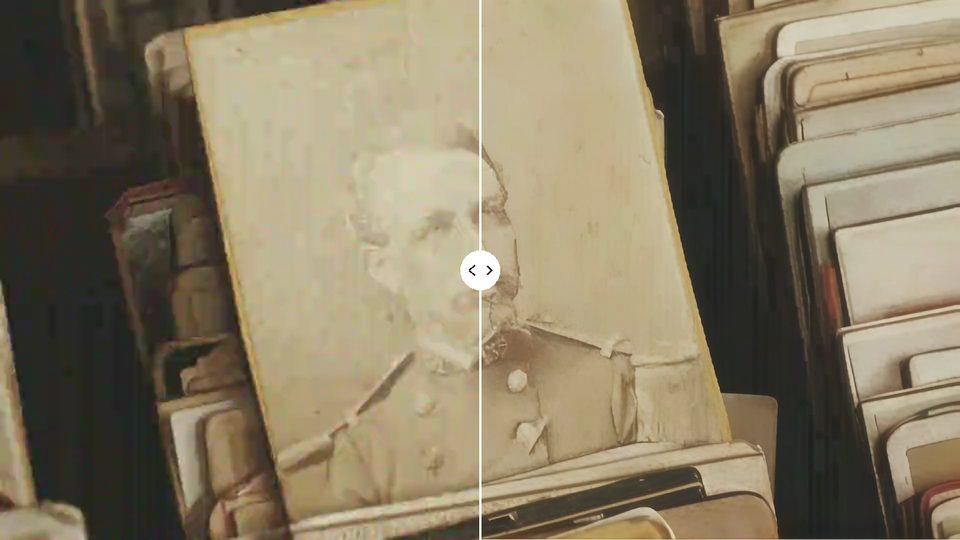
Bring soft 480p and 720p clips, AI-generated video and old uploads up to 1080p, 2K or 4K. Separate modes for live action and animation keep faces, edges and line art clean.
From $0.30 per minute · billed by the second
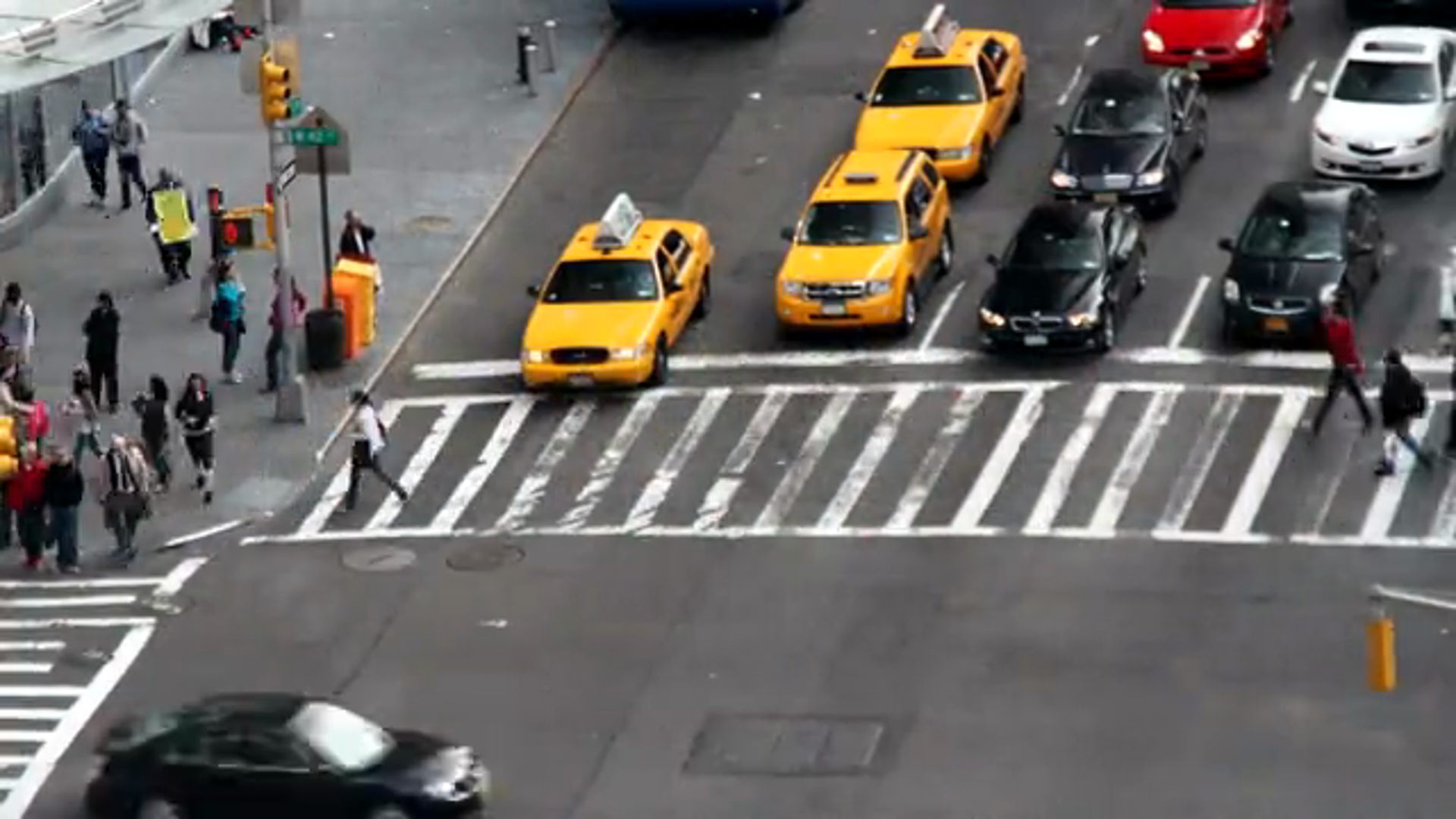
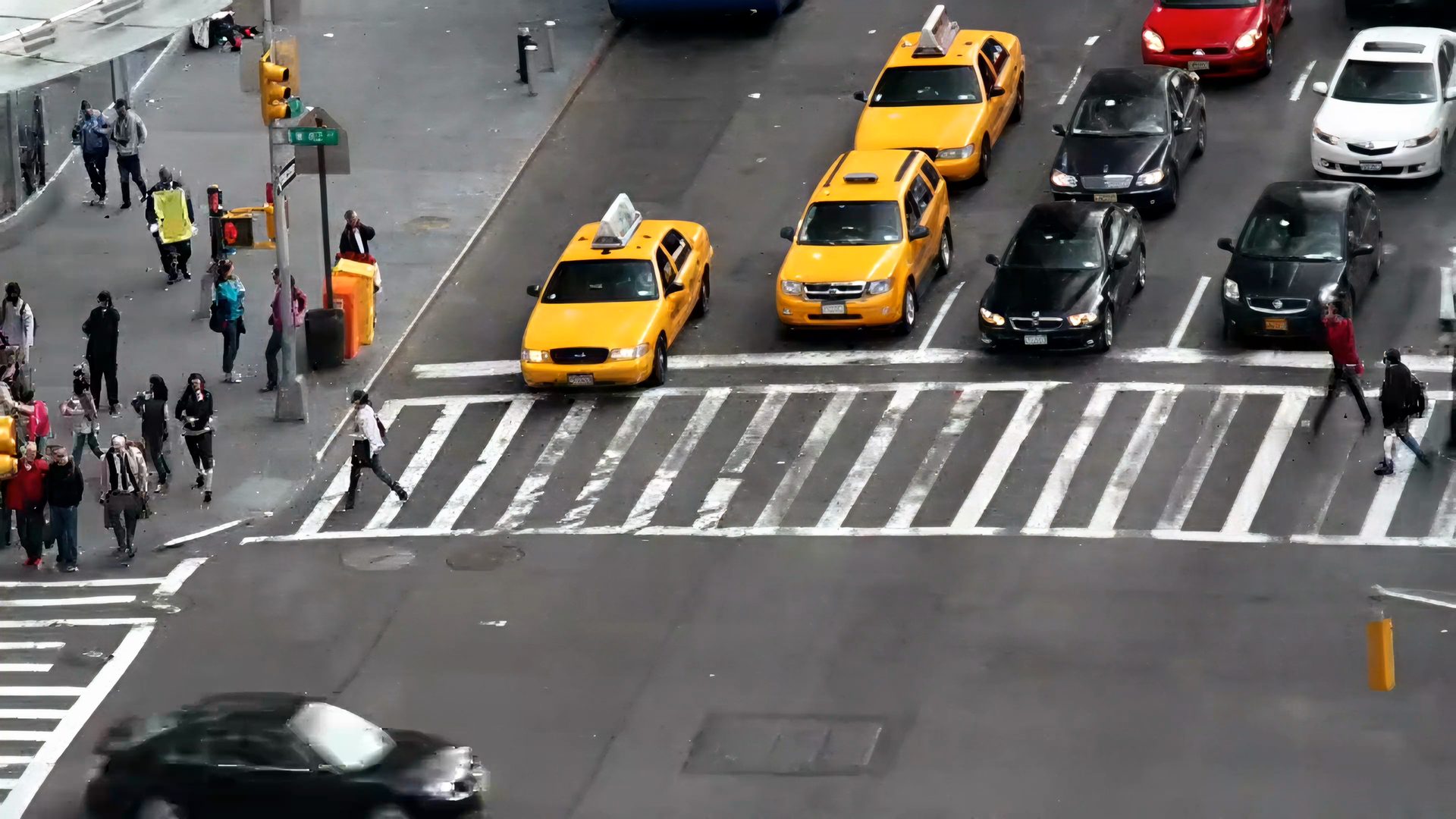 Before · 640×360
After · 4K
How it works
Three steps, no software to install.
- 1
Upload a clip or paste a link.
- 2
Pick the output size and the kind of footage.
- 3
Download the sharper MP4.
Use cases
Where it helps.

AI-generated clips
Many video models stop at 720p. Bring them up to 1080p or 4K before you publish.

Old uploads
Remaster 480p videos from your archive for today's screens.
Delivery specs
Meet 1080p or 4K requirements for platforms, clients and stock sites.
Part of these workflows
Short dramas & localisationStep 3 of 3
Sharpen soft or re-encoded footage to clean 1080p before upload.
$0.98 for a 90‑second episode · See the workflow: Short dramas & localisation
AI video creatorsStep 1 of 3
Upscale the generated clip to 4K with the AI-video-friendly enhancer.
$0.40 for a 10‑second clip · See the workflow: AI video creators
Settings
What you can choose.
- Output
- 720p, 1080p, 2K or 4K. The aspect ratio always follows your clip.
- Footage
- Live action for filmed and realistic AI video; Animation for anime, cartoons and AI comics.
- Sharpen distant faces
- Extra detail for small faces in wide shots.
Pricing
Pay for the seconds you process.
No subscription. Add Credits from $10 and use them on any tool or the API. Failed runs are refunded.
Prices are for clips up to 30 fps; faster clips cost more.
| 720p | $0.30 / min |
|---|---|
| 1080p | $0.66 / min |
| 2K | $1.15 / min |
| 4K | $2.43 / min |
API
The same tool, as one API call.
Call video-enhance from your own app or pipeline at the same price. The studio and the API share one balance.
curl https://noryva.ai/api/v1/videos \
  -H "Authorization: Bearer $NORYVA_API_KEY" \
  -H "Content-Type: application/json" \
  -d '{
      "model": "video-enhance",
      "video": "https://example.com/clip.mp4",
      "seconds": 12,
      "resolution": "4k",
      "scene": "live_action"
    }'

# Poll GET /v1/videos/{id}, then download
# GET /v1/videos/{id}/content
Questions
Good to know.
Does it make up detail?
It sharpens and reconstructs detail that the source suggests. It works best on footage that is soft rather than badly damaged; for noisy or heavily compressed footage use Footage Restorer.
What frame rate do I get?
The same as your clip. Clips over 30 fps cost more per second.
How long can a clip be?
In the studio, up to 10 minutes and 2 GB per run; for a longer clip it processes the first 10 minutes.